
How to Automate Your Sales Methodology in HubSpot With AI

Most sales teams have a process. The best sales teams have a process they can consistently follow, measure, and improve.
Your organization may use BANT to qualify leads. Maybe you've adopted SPICED to guide discovery conversations. Or perhaps your sales leader has developed a custom methodology that reflects how your business sells.
Regardless of the framework, one challenge is translating that methodology into your sales team's daily activities.
Documenting your process in a playbook or training reps to ask the right questions isn't enough. Your CRM needs to reinforce that process, capture what matters, and help your team act on it.
That's where HubSpot AI, Agent Hub, and smart properties create an interesting opportunity.
By combining your sales methodology with information already captured in your CRM, you can begin turning sales conversations into structured deal data, more consistent discovery, and automated follow-up.
In this guide, we'll walk through how the approach works using the SPICED sales methodology as an example.
What Is a Sales Methodology, and Why Does It Matter in HubSpot?
A sales methodology is a structured approach to managing conversations with prospects, understanding their needs, qualifying opportunities, and helping buyers make decisions.
Popular methodologies include:
- SPICED: Situation, Pain, Impact, Critical Event, and Decision.
- BANT: Budget, Authority, Need, and Timeline.
- Other established or custom frameworks: Approaches designed around your sales cycle, buying process, and customer requirements.
The right methodology depends on your business, customers, and sales process. A company with a relatively short, high-touch sales cycle may need a different approach than an enterprise organization managing complex opportunities over many months.
The important thing is choosing a framework that reflects how your team actually sells.
HubSpot becomes especially valuable when you build that methodology into the CRM itself. Instead of expecting reps to remember every qualification criterion, you can connect your process to deal properties, meeting activities, workflows, and reporting.
The result is a more repeatable sales process that your team can follow, and your sales leaders can evaluate.
How HubSpot Agent Hub Supports Sales Process Automation
HubSpot Agent Hub provides a place to configure AI agents and give them the business context they need to perform tasks.
That context matters. AI agents are more useful when they understand your business, customers, products, services, and internal processes, rather than relying on generic instructions.
Within Agent Hub, the context configuration can include information about your business and your team's processes. This gives agents a better foundation for the tasks they're expected to perform.
For example, an agent supporting sales activities may benefit from knowing:
- What your company sells and the problems it solves.
- Who your ideal customers are.
- How your sales process is structured.
- Which qualification criteria matter to your team.
- What information should be captured during discovery.
- How your team should approach follow-up.
One important distinction: HubSpot's Brand Identity tools and Agent Hub context serve different purposes.
Brand Identity helps inform AI-generated content, including your brand voice, messaging, and marketing materials. Agent Hub context supports agents performing work across CRM-related processes, including sales activities.
Some information may overlap, but the intended applications differ. Establishing both gives your content tools and operational agents relevant context for their respective tasks.
How to Implement the SPICED Sales Methodology in HubSpot
At The Gist, we use SPICED as an example of how to translate a sales methodology into a repeatable CRM process.
SPICED stands for Situation, Pain, Impact, Critical Event, and Decision.
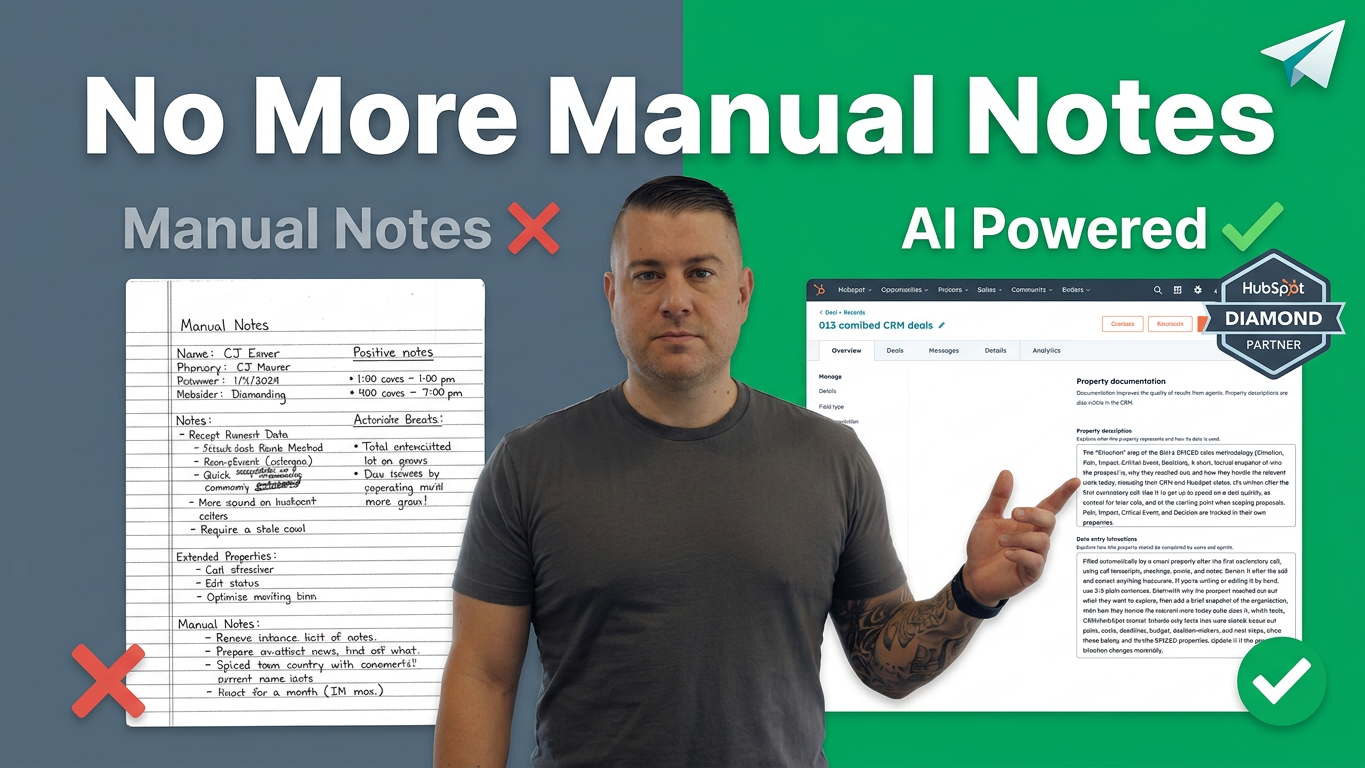
Rather than relying on reps to manually document each element after every conversation, you can configure HubSpot to analyze relevant sales activities and populate corresponding deal properties.
1. Define the methodology your team will follow
Start by deciding which sales methodology fits your business.
For SPICED, the objective is to understand five important aspects of a prospect's buying journey:
- Situation: What is happening in the prospect's business today?
- Pain: What challenges, inefficiencies, or problems are they experiencing?
- Impact: What would solving those problems mean for the business?
- Critical Event: Is there a deadline, renewal, seasonal event, or other milestone influencing the decision?
- Decision: How will the prospect evaluate options and make a purchasing decision?
These elements give your sales team a consistent framework for discovery and qualification.
They also provide a structure for the information you want HubSpot to capture.
2. Create deal properties for each stage
Once the methodology is established, create the corresponding properties on your HubSpot deal records.
For example, you might use a multiline text property to store a situation summary and additional properties to capture pain points, business impact, and decision-related information.
Critical Event deserves special consideration. Knowing that a prospect has an upcoming software renewal is useful, but knowing when that renewal occurs is much more actionable.
Consider capturing both the event itself and its expected date.
Depending on your sales process, relevant events might include:
- Contract or software renewals.
- Fiscal-year or budget deadlines.
- Seasonal business peaks.
- Planned system migrations.
- Internal project deadlines.
The goal is to make the information your sales team needs available in a structured, consistent format.
3. Use HubSpot AI to analyze sales activities
HubSpot can use information from connected CRM activities, including meeting transcripts, emails, and notes, to support AI-powered property updates.
In our example, each SPICED component has its own deal property and instructions describing what the AI should analyze and how it should present the output.
For instance, a situation-summary property can be instructed to review relevant sales activities and produce a concise summary of the prospect's current environment, challenges, goals, and existing tools.
Instead of manually piecing that information together after every call, the rep gets an AI-generated starting point to review.
This is particularly useful when a prospect's situation emerges across several conversations rather than being fully explained in one discovery call.
The important part is specificity. Your instructions should define what information belongs in each property, which sources to analyze, and what a useful output looks like.
4. Test the output against real deal records
Before relying on AI-generated properties in your sales process, test the instructions against actual deal records.
HubSpot's property-testing capabilities help you evaluate how a prompt performs against a selected record.
Review whether the output captures the right information, follows your methodology, and avoids introducing unsupported assumptions.
If the summary is too vague, adjust the instructions. If it misses important buying signals, clarify what the property should look for.
This is an iterative process. The objective isn't simply to generate text; it's to generate information that sales reps can actually use.
Still review AI-generated outputs, especially when they influence qualification, forecasting, or decisions about how to pursue an opportunity.
5. Connect your methodology to the rest of your sales process
Once the properties are configured, your methodology can become part of how the team manages opportunities.
For example, after an introductory call, HubSpot may have enough activity data to generate an initial summary of the prospect's situation and pain points.
The sales rep can review those findings before the next conversation, identify missing information, and focus discovery on the areas that still need clarification.
As you record more calls and emails, the available context can become more complete.
This gives your team a consistent reference point for discovery, scoping, proposals, and follow-up.
It also creates structured data that can support other parts of your CRM configuration.
Turn Sales Conversations Into Automated Follow-Up
One of the biggest opportunities comes from connecting AI-generated deal properties to HubSpot workflows and other sales tools.
Consider a prospect who explains during a discovery call that their current CRM contract expires in six months. They're unhappy with the existing system and want to evaluate alternatives before renewal.
That information can easily get buried in a meeting transcript.
But if you capture the relevant details in deal properties, they become much easier to act on.
Depending on your configuration and available HubSpot features, you could use that information to support:
- Reminders for sales reps as a critical event approaches.
- Follow-up tasks tied to important decision dates.
- Prospecting activities scheduled around the buyer's timeline.
- Internal notifications when an opportunity needs attention.
- Proposal messaging that reflects the prospect's original challenges and goals.
- Reporting on upcoming renewals or other time-sensitive opportunities.
The specific automation depends on how your properties, workflows, and sales tools are configured. AI-generated information doesn't automatically guarantee that every downstream action will be appropriate, so validation and sensible workflow conditions remain important.
The strategic advantage is that your sales process can respond to information gathered during real conversations instead of relying entirely on manual data entry and individual memory.
Why Your CRM Should Reinforce Your Sales Methodology
A CRM should do more than store contact information and track deals through a pipeline.
It should help your team execute the sales process consistently.
That means making the right information easy to find, encouraging the right activities, and helping sales reps understand what they should do next.
When you document your methodology only in a training deck, its application depends heavily on individual behavior. When you connect it to CRM properties, workflows, and reporting, it becomes part of the system your team uses every day.
That creates several potential benefits.
More consistent discovery. Reps share a framework for understanding prospects and identifying qualification gaps.
Better deal visibility. Sales leaders can review structured information about business challenges, expected impact, and critical events instead of relying exclusively on subjective deal notes.
More useful automation. Workflows can respond to relevant dates and deal information, helping teams follow up at the right time.
Stronger sales enablement. Reps can prepare for conversations with better context and use that information to make follow-up more relevant.
A more repeatable sales process. Your methodology becomes easier to teach, apply, evaluate, and improve across the team.
These benefits don't come from AI alone. They come from combining a well-defined sales process with thoughtful CRM configuration, useful data, and clear instructions.
Is HubSpot AI Right for Your Sales Team?
This approach is particularly relevant for B2B organizations that already have a defined sales methodology but struggle to apply it consistently.
It can also be a useful starting point for teams that are formalizing their sales process and want to build their CRM around that framework from the beginning.
Before implementing it, consider a few questions:
- Have we defined a sales methodology that reflects how our customers buy?
- Do our deal properties capture the information we need to manage opportunities?
- Are meeting transcripts, emails, and other relevant activities available in HubSpot?
- Have we written clear instructions for how AI should analyze those activities?
- Can we test and validate the information it generates?
- Do our workflows support the way our sales team actually operates?
You'll also need to confirm that the relevant AI features, data access, subscriptions, and permissions are available in your HubSpot account.
If your methodology is unclear or your CRM is poorly structured, start there. Adding AI to an inconsistent process won't automatically make it consistent.
Make HubSpot Work the Way Your Sales Team Works
The most interesting part of HubSpot AI isn't simply that it can summarize a meeting. It's that the meeting information can become part of a repeatable sales process.
With Agent Hub context, smart properties, meeting activities, and thoughtfully designed workflows, you can begin connecting your sales methodology to the daily work of managing deals.
For sales leaders, that means a practical opportunity to reinforce the process they've worked hard to establish. For sales reps, it means less dependence on memory and manual documentation. For the business, it means a CRM that can do more to support revenue generation.
The key is to start with the methodology, configure HubSpot around it, and use AI to reinforce the process rather than replace good sales judgment.
Need Help Getting More Out of HubSpot?
At The Gist, we help B2B organizations implement, optimize, and get more value from HubSpot. Whether you're building your CRM from scratch, improving an existing sales process, or exploring how AI can support your team, we can help you develop a practical approach.
Explore our HubSpot solutions, learn more at The Gist, or subscribe to The Spotlight for weekly HubSpot use cases and practical guidance.
The Gist is an organic growth agency and Certified HubSpot Solutions Partner based in Buffalo, New York.